Seeing that a customer has added items to their shopping basket and then abandoned their purchase can be incredibly frustrating. If this is happening on a regular basis, you need to get to the bottom of where you’re going wrong. Below, we are going to take a look at some of the most common reasons […]
Similar Posts
Put Back What’s Missing in WordPress 3.9 – Advanced Image Options and Text Color Picker
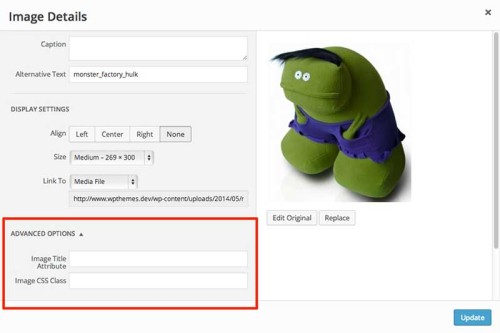 WordPress 3.9 came out last month and while the post/page editing screen has generally been improved there’s a couple of small features that have been removed. Chances are a lot of folks won’t ever miss them, but some of you…
 A Little Taste of The Beginner’s Guide To SEO Ebook
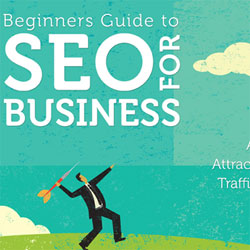 My ebook “Beginner’s Guide to SEO for Business” is launching very soon and I wanted to give you a little sneak preview of what’s coming. Check out some pages from the book below. (Tip – click the magnifying glass with…
 WebP Images: A Primer
When it comes to increasing performance, web designers leave no stone unturned. After all, every kilobyte…
How to Update Old Content on Your WordPress Site

Maintaining a steady flow of traffic to your WordPress site isn’t only dependent on constantly producing brand new content. Updating old content is a great practice to keep benefitting from the posts you’ve already worked on. It’s possible to take advantage of Google’s freshness algorithm and generate a new burst of traffic for the updated content, as well as provide a better user experience for visitors to your site ensuring they never find old or irrelevant information.
In this post I’ll cover:
- The easiest way to update existing posts in WordPress
- How to push your content to the top of your blog feed again
- How to let Google know your content has been updated without pushing it to the top of your blog feed again
Don’t Leave Your SEO To A Theme or a Plugin
In the WordPress community, especially amongst new users, a lot of emphasis seems to be placed on themes and plugins as crucial factors in SEO. Theme companies compete for bragging rights on whose is the most ‘SEO-friendly’ while website owners…


