November 2018 Comics w/ CodeinWP … #Freelancing #WordPressThemes #Debugging

Hey guys! You know what’s great about the end of daylight savings? We get another hour to read comics. And this month, we have another clutch of cartoons that poke fun at the weird and wonderful world of tech. If you’re a tech lover then you are bound to find something to love here!

What exactly are we looking at? We are digging into the duality of the freelancer and the unique pressures of working for yourself. We are also sharing our view of the mythical lightweight WordPress theme, and celebrating the developer’s best friend and consigliere who can go anywhere. We’ll also consider the flaws of the highlight-all strategy for web design. Then, we look at how you can use a plugin to give yourself expertise in any area.

If you’ve still got time in your extra hour then why not drop by our comics archive and see what else we had put together over the past year.

As usual, the real hero here is João Santos, who helps us brainstorm ideas and makes them into actual comics.

I have taken up enough of your time; let’s dive into the November 2018 comics already.

November 2018 Comics with CodeinWP

November 2018 Comics with CodeinWP: On Freelancing, Issues With WordPress Themes and Debugging Challenges?

When the boss is away; play all day

When you're the boss it's like you have no boss

When you're the boss it's like you have no boss

The hardest level is the one with a boss fight with yourself.

That’s how “they” get ya

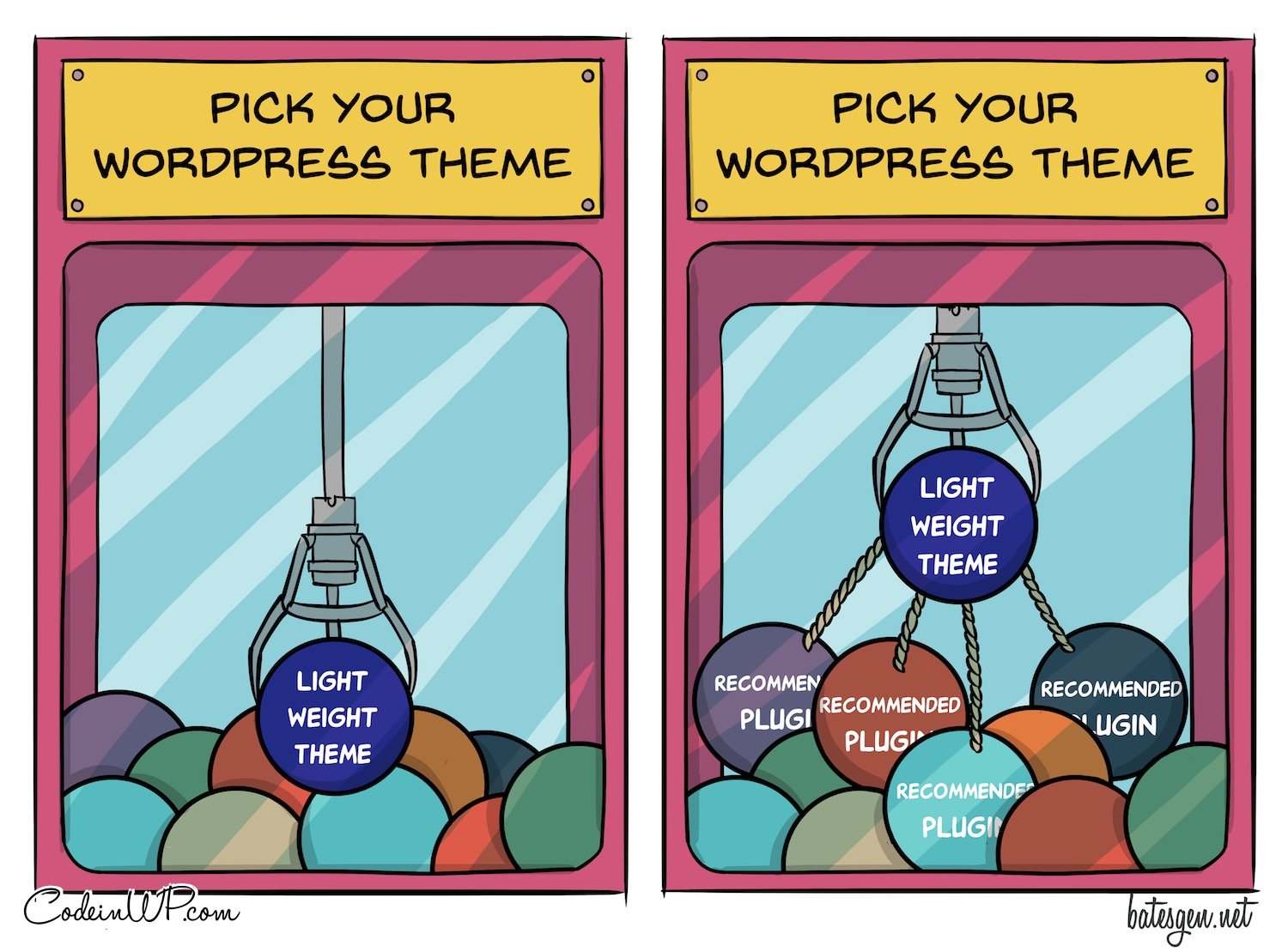
lightweight WordPress theme

lightweight WordPress theme

A lightweight theme is nothing without a dozen recommended plugins.

Friends don’t let friends debug desperately
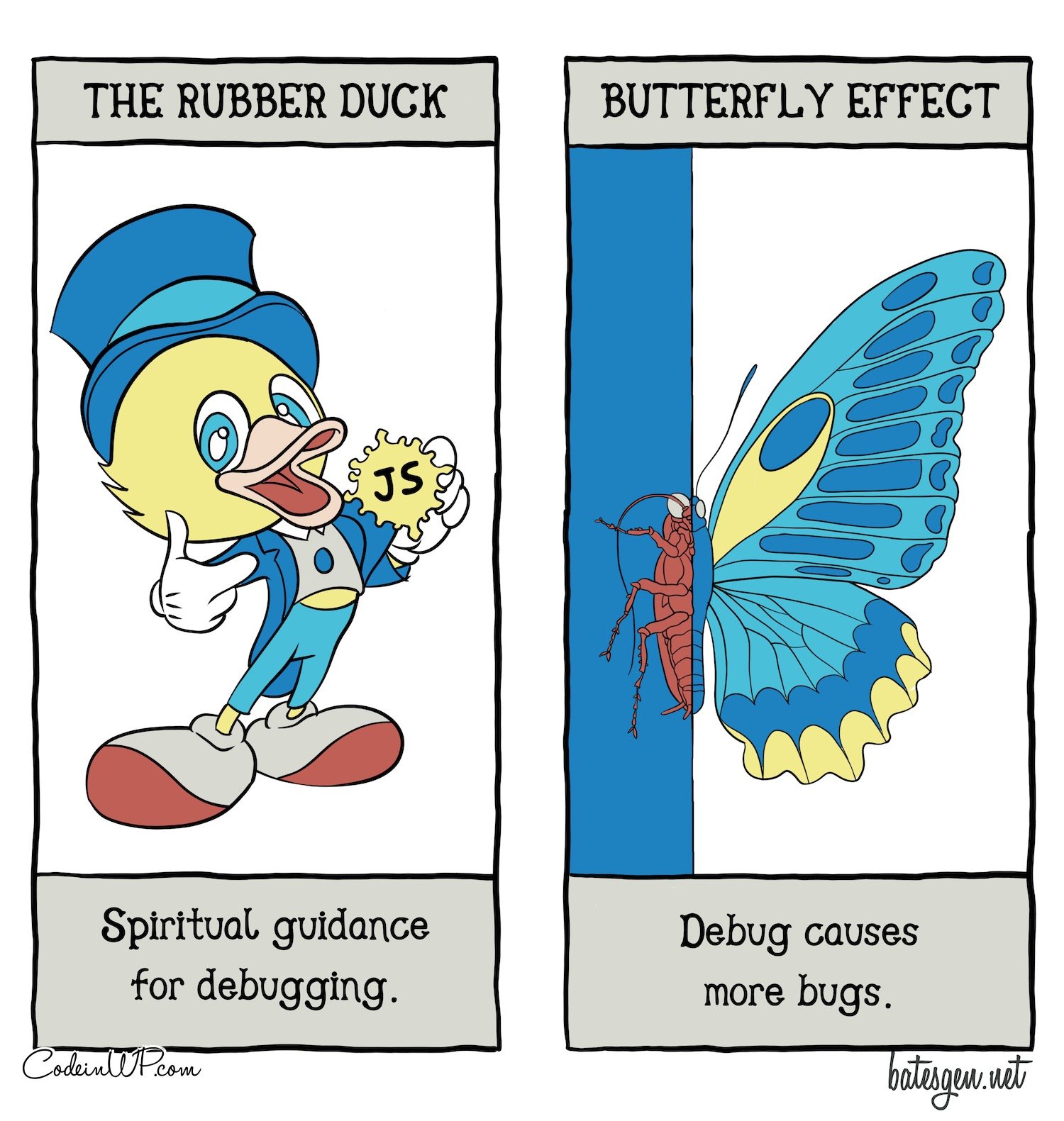
A tarot card about the process of debugging with duck

A tarot card about the process of debugging with duck

The best debugging happens with a rubber duck. In the bath. At home.

When everything is important: Highlight all the things!

Highlight all the things

Highlight all the things

Like the old adage: highlighter of all sections; emphasizer of none.

How to download and install expertise

Social media expert

Social media expert

Need a social media expert? There’s a plugin for that!

And, with that, we reach the end of November’s joyousness. We’d like to spread the word so we’ve made it easy for you to share these to your preferred social network. With a good old-fashioned hover and click you can show any comic from here to your followers and friends.

If this is the first time you’ve found yourself here, then this is the essential bookmark for next month’s batch.

Don’t forget; if you wake up with a tech comic idea in your head, share it with us in the comments. We might get it illustrated! If not, then we still look forward to seeing you in December. Take care! ?

Don’t forget to join our crash course on speeding up your WordPress site. With some simple fixes, you can reduce your loading time by even 50-80%:

Similar Posts

  • How to Update Old Content on Your WordPress Site

    How to Update Old Content on Your WordPress Site

    Maintaining a steady flow of traffic to your WordPress site isn’t only dependent on constantly producing brand new content. Updating old content is a great practice to keep benefitting from the posts you’ve already worked on. It’s possible to take advantage of Google’s freshness algorithm and generate a new burst of traffic for the updated content, as well as provide a better user experience for visitors to your site ensuring they never find old or irrelevant information. 

    In this post I’ll cover:

    • The easiest way to update existing posts in WordPress
    • How to push your content to the top of your blog feed again
    • How to let Google know your content has been updated without pushing it to the top of your blog feed again
  • Hosting Recommendations for your WordPress Site

    Hosting Recommendations for your WordPress Site

    There is an overwhelming choice of web hosts these days and it can be hard to determine which would be a good fit. A Google search will reveal many blog posts on the subject which are really are just a roundup of that blog’s sub-par affiliates that haven’t been vetted for quality.

    I’ve been running my own sites for over 14 years now, and have also had many years experience with client websites and all their various hosts. So I have direct experience with many different hosts and have also interacted with the technical support departments of many of them.

    My recommendations have changed over the years as the landscape has evolved – previously reliable hosts have gone downhill, and a new segment of WordPress-specific hosts has developed and thrived.

    This post features a small quiz to generate some quality hosting recommendations for your next WordPress project

  • Welcoming two new WordPress Core contributors

    I’m happy to welcome two new members to team Yoast, who will spend their time making WordPress core better. Justin Ahinon and Ari Stathopoulos are both joining our ranks. This means they’ll have even more time than they already did to spend on making WordPress better for everyone. All of this in line with our […]

    The post Welcoming two new WordPress Core contributors appeared first on Yoast.